A successful WooCommerce store needs more than product listings and payment options. It also needs high-converting product pages, a smooth cart and checkout process, reliable subscription features, and a user-friendly shopping experience.
As your store grows, WooCommerce’s default features may no longer meet all your needs. Adding separate plugins for product filters, wishlists, recurring payments, accessibility, and design can make store management more complex and create an inconsistent customer experience.
This Halloween, take the opportunity to upgrade your store with six WooCommerce-focused tools. These plugins can help improve store design, customer experience, recurring revenue, and usability without requiring a complete website rebuild.
Best Halloween WooCommerce Deals at a Glance
| Plugin | Best for |
| Ultimate Store Kit | Store design and checkout |
| ArraySubs | Subscriptions and memberships |
| Element Pack Pro | Elementor store design |
| ZoloBlocks | Gutenberg store layouts |
| One Accessibility | Accessible shopping |
| Dark Reader | Dark mode |
1. Ultimate Store Kit for a Better WooCommerce Store Experience
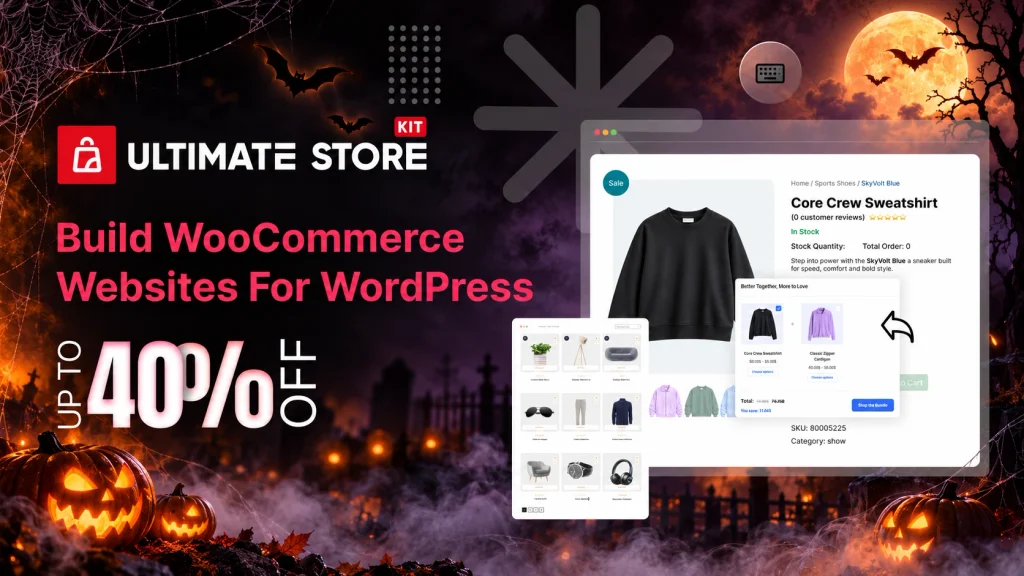
Ultimate Store Kit improves WooCommerce and EDD stores with product grids, quick views, filters, wishlists, cart tools, upsells, and checkout controls. It is a practical choice for improving browsing and conversions without custom development.
- Best for: Store design and conversions
- Features: Filters, wishlists, cart, and checkout
- Offer: Up to 40% off
- Explore Ultimate Store Kit
Ultimate Store Kit is the most direct choice in this list for improving how customers browse, add products to cart, and check out.
2. ArraySubs for WooCommerce Subscriptions and Memberships
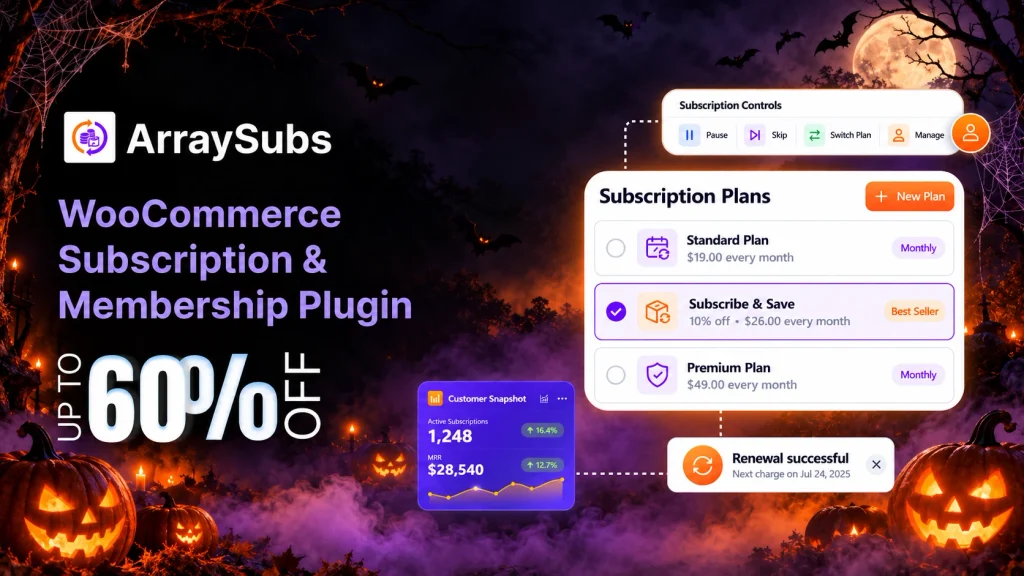
ArraySubs adds subscriptions, recurring billing, customer self-service, and membership controls to WooCommerce. It suits subscription boxes, courses, premium content, and recurring services.
- Best for: Subscriptions and memberships
- Features: Billing, customer portal, and gated content
- Offer: Up to 60% off
- Explore ArraySubs
ArraySubs is a WooCommerce subscription engine with recurring billing, customer self-service tools, and membership access controls.
3. Element Pack Pro for Elementor WooCommerce Design
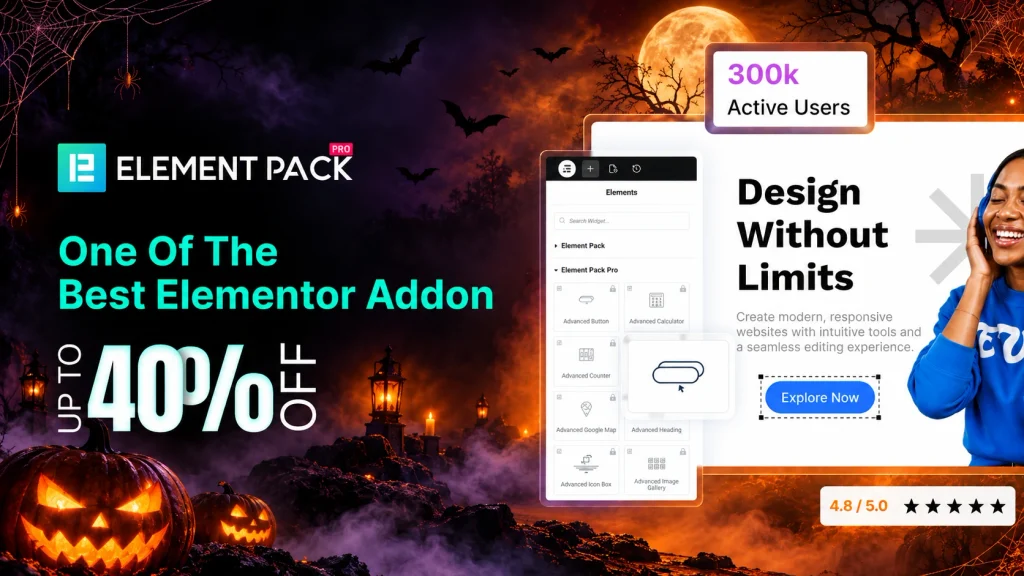
Element Pack Pro helps Elementor users design WooCommerce pages with product grids, carousels, promotional sections, and store widgets. It suits agencies and store owners who want flexible layouts without custom code.
- Best for: Elementor stores
- Features: Product grids, carousels, and sales sections
- Offer: Up to 40% off
- Explore Element Pack Pro
Element Pack Pro includes WooCommerce integration alongside its Elementor widgets and template library.
4. ZoloBlocks for Gutenberg WooCommerce Stores
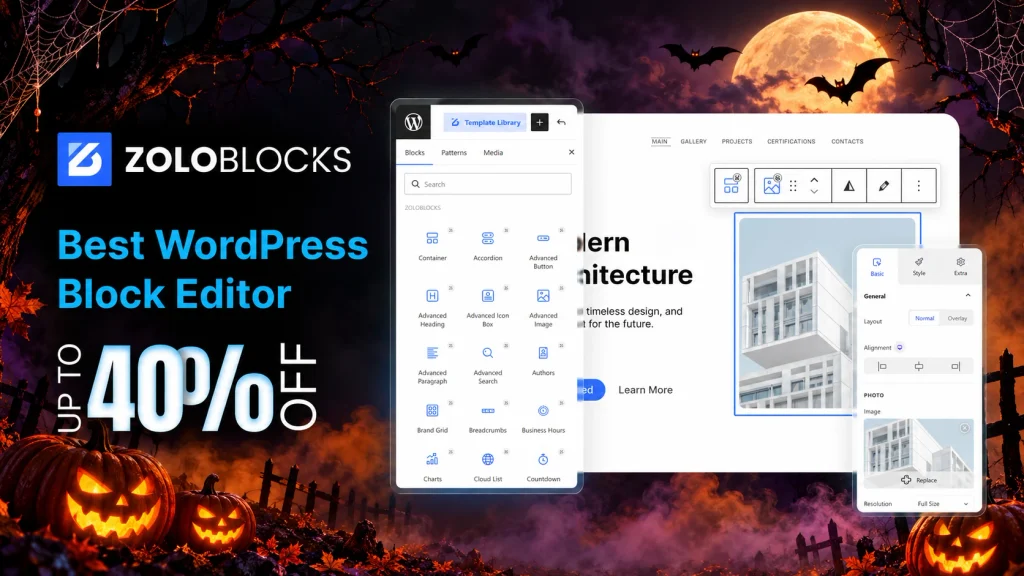
ZoloBlocks helps WooCommerce stores build product pages and sales layouts directly in Gutenberg. Its native blocks and Full Site Editing support provide more design control without a separate page builder.
- Best for: Gutenberg stores
- Features: Product layouts and block templates
- Offer: Up to 40% off
- Explore ZoloBlocks
ZoloBlocks is a Gutenberg-first plugin with native blocks, Full Site Editing support, and WooCommerce-ready product blocks.
5. One Accessibility for a More Inclusive Shopping Experience
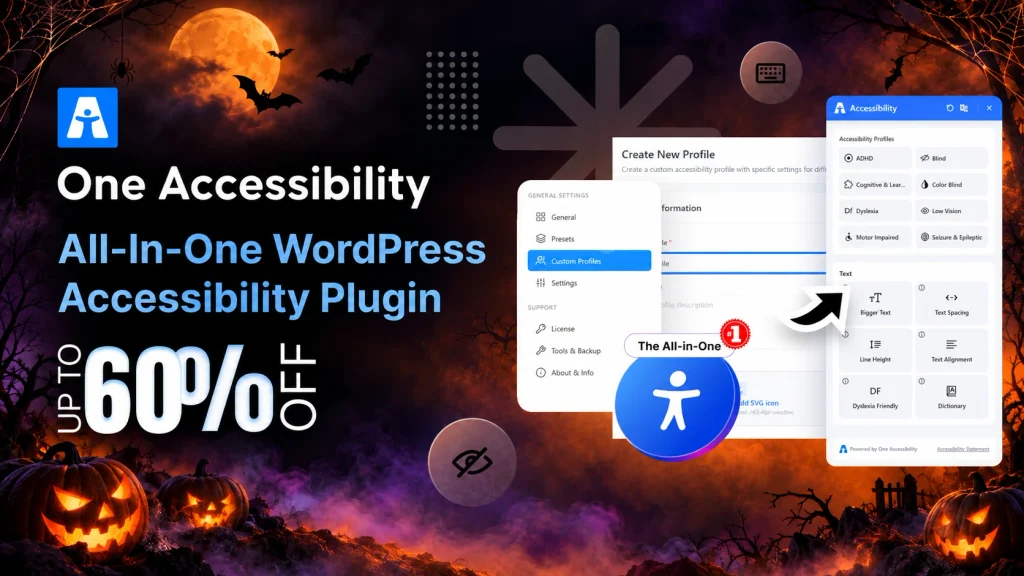
One Accessibility adds controls for text size, contrast, keyboard navigation, and accessibility profiles. It can improve store usability when combined with accessible content, forms, images, and regular testing.
- Best for: More accessible stores
- Features: Text, contrast, keyboard, and profile controls
- Offer: Up to 60% off
- Explore One Accessibility
One Accessibility provides user-controlled tools such as font resizing, contrast adjustment, and keyboard navigation support.
6. Dark Reader for a Comfortable Dark Mode Store
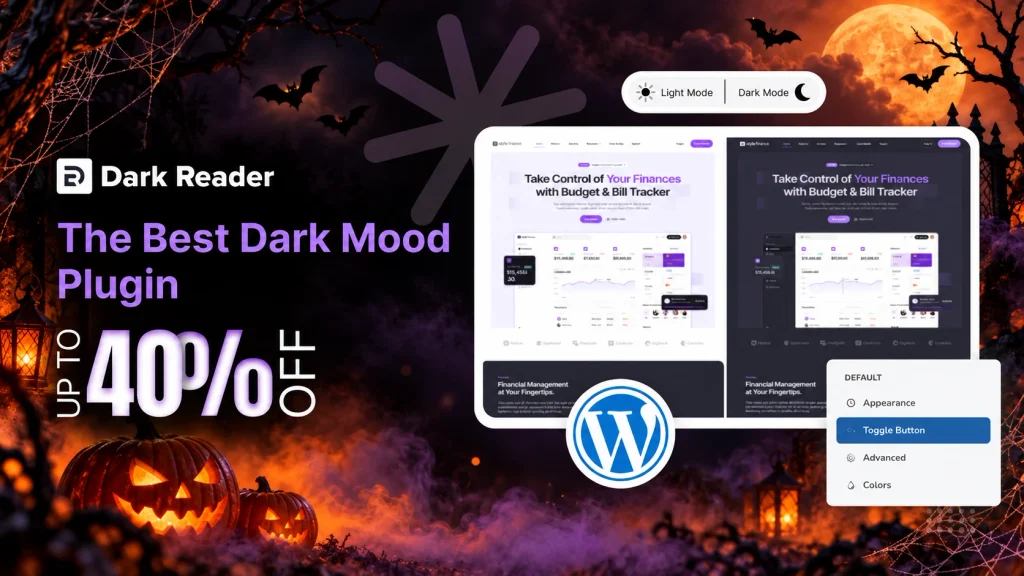
Dark Reader adds a customizable dark mode to WordPress and WooCommerce stores. Visitors can switch modes while store owners control brightness and contrast without coding.
- Best for: Dark-mode stores
- Features: Dark mode, brightness, and contrast controls
- Offer: Up to 40% off
- Explore Dark Reader
Dark Reader adds a configurable dark-mode experience for WordPress sites, including brightness and contrast controls.
How to Choose the Right WooCommerce Deal
Choose Ultimate Store Kit if your main goal is to improve product browsing, carts, checkout, and store conversion features.
Choose ArraySubs if you sell subscriptions, memberships, recurring services, or premium content.
Choose Element Pack Pro if your store uses Elementor and needs more design flexibility for product pages and campaigns.
Choose ZoloBlocks if you want to build a WooCommerce store with Gutenberg and Full Site Editing.
Choose One Accessibility if you want to improve visitor controls and make the browsing experience more inclusive.
Choose Dark Reader if your audience would benefit from a comfortable dark mode option.
Frequently Asked Questions
Which plugin is best for WooCommerce product pages?
Ultimate Store Kit is the most focused option for WooCommerce product pages. It includes store features such as quick view, wishlists, comparison tools, filters, cart drawers, upsells, and checkout-building options.
Can I use ArraySubs for a membership website?
Yes. ArraySubs supports WooCommerce subscriptions, recurring payments, and membership access controls. It can work for online courses, premium content, digital products, subscription boxes, and service plans.
Do I need Elementor Pro to use Element Pack Pro?
No. BdThemes states that its Elementor add-ons work with the free version of Elementor, although they can also integrate with Elementor Pro if you already use it.
Is ZoloBlocks suitable for WooCommerce?
Yes. ZoloBlocks is compatible with WooCommerce and can help you build product-focused pages with Gutenberg blocks and Full Site Editing.
Can One Accessibility guarantee full website compliance?
No. One Accessibility can support a more inclusive visitor experience, but full accessibility depends on your theme, content, product images, navigation, forms, and regular testing.
Does Dark Reader work with WooCommerce stores?
Dark Reader is designed to work with WordPress themes and can provide a dark mode option for WooCommerce stores. Test your product pages, cart, and checkout after setup to ensure the design remains clear.
Which plugin should I choose for recurring payments?
ArraySubs is the best fit in this list for recurring payments. It supports subscription products and works with several payment providers for automatic or managed billing.
Can I use multiple plugins together?
Yes. For example, you can use Ultimate Store Kit for your shopping experience, ArraySubs for subscriptions, One Accessibility for visitor controls, and Dark Reader for dark mode. Only enable the features your store needs.
Will these plugins slow down my WooCommerce website?
Performance depends on your theme, hosting, active plugins, images, and configuration. Enable only the modules and widgets you need, use caching, and test your store pages after making changes.
Where can I see the active Halloween offer details?
Check the live BdThemes deal page before purchase. It will show the current discount, eligible plans, dates, and checkout terms.
Make Your WooCommerce Store Better This Halloween
A WooCommerce store can lose sales when customers struggle to find products, face a confusing checkout, or cannot get the browsing experience they need. These small issues can make visitors leave before completing an order.
Over time, those gaps can affect customer trust, repeat purchases, and the time you spend managing your store. Adding random plugins may create even more complexity if they do not solve the right problem.
This Halloween, focus on the area that needs the most improvement. Choose a tool that helps you build better product pages, streamline subscriptions, improve store accessibility, or create a more comfortable shopping experience. The right WooCommerce upgrade can keep delivering value long after the seasonal deal ends.