
WooCommerce powers over 33% of all tracked e-commerce stores worldwide, a staggering number that only continues to climb.
But anyone who has tried to push a default WooCommerce store beyond its out-of-the-box appearance knows exactly where the walls are. The product pages look generic. The checkout is rigid. The shop layout feels like it came from a template nobody asked for.
That is where a good WooCommerce customizer plugin changes everything.
This guide covers the top 10 WooCommerce customizer plugins available today, free, paid and everything in between, with real feature details, accurate pricing and honest guidance on which option fits which kind of store.
What Is a WooCommerce Customizer Plugin?
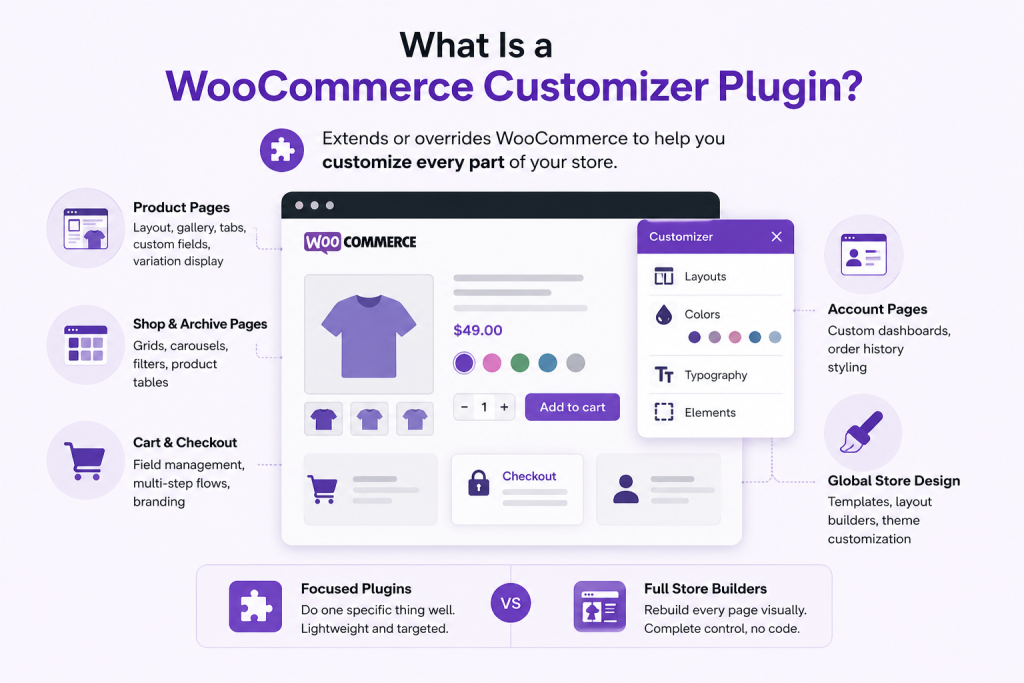
A WooCommerce customizer plugin is any tool that extends or overrides the default appearance and functionality of a WooCommerce-powered store.
These plugins target specific areas that WooCommerce leaves largely bare:
- Product pages: layout, gallery, tabs, custom fields, variation display
- Shop and archive pages: grids, carousels, filters, product tables
- Cart and checkout: field management, multi-step flows, branding
- Account pages: custom dashboards, order history styling
- Global store design: templates, layout builders, theme customization
There is an important distinction worth making here.
Some plugins are lightweight and focused, handling a single task well (like replacing dropdowns with visual swatches).
Others are full-store builders that let you visually rebuild every WooCommerce page, from the shop grid to the thank-you screen, without writing a single line of code.
Neither approach is better by default. The right choice depends on what your store actually needs.
Why You Need a WooCommerce Customizer Plugin
WooCommerce is powerful. It handles products, payments, shipping and orders out of the box. What it does not do particularly well is design.
The default WooCommerce templates are functional but dull and they were never intended to be your final store presentation.
This matters more than most store owners realize.
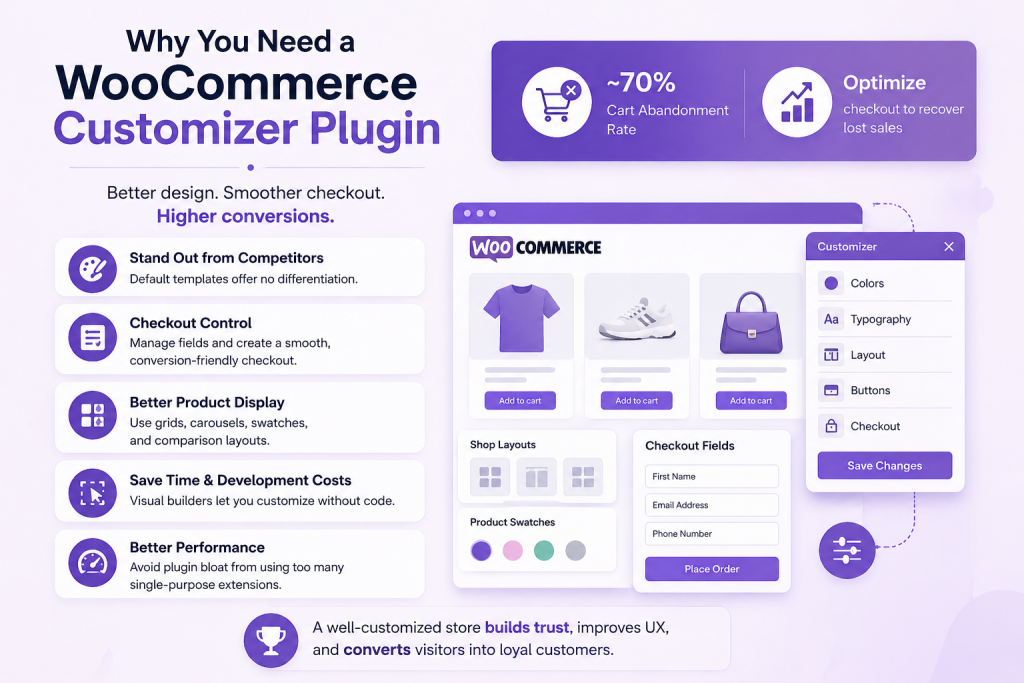
Research consistently shows that optimizing the checkout experience alone can recover a significant portion of lost sales and cart abandonment sits at nearly 70% across e-commerce. A clunky, confusing, or visually mismatched checkout is one of the most cited reasons.
Beyond conversion, customization affects everything from how trustworthy your store looks to how easily customers can find what they need.
A store with visual variation swatches, a clean product layout and a streamlined checkout simply sells better than one relying on stock WooCommerce defaults. That is not an opinion. It is the data behind why so many store owners eventually reach for a customizer plugin.
Key reasons stores invest in WooCommerce customization:
- Default templates offer no differentiation from competitors
- Checkout field control is nearly nonexistent without code
- Product display options are limited (no carousels, no grids, no comparison features)
- Visual builders save development costs significantly
- Performance suffers when multiple single-purpose plugins pile up
Top 10 WooCommerce Customizer Plugins
Each plugin below was researched using official documentation, live pricing pages and independent reviews.
They are ordered by overall scope, Elementor integration and WooCommerce-specific value, with Ultimate Store Kit and Element Pack leading the list for their standout coverage and pricing.
1. Ultimate Store Kit
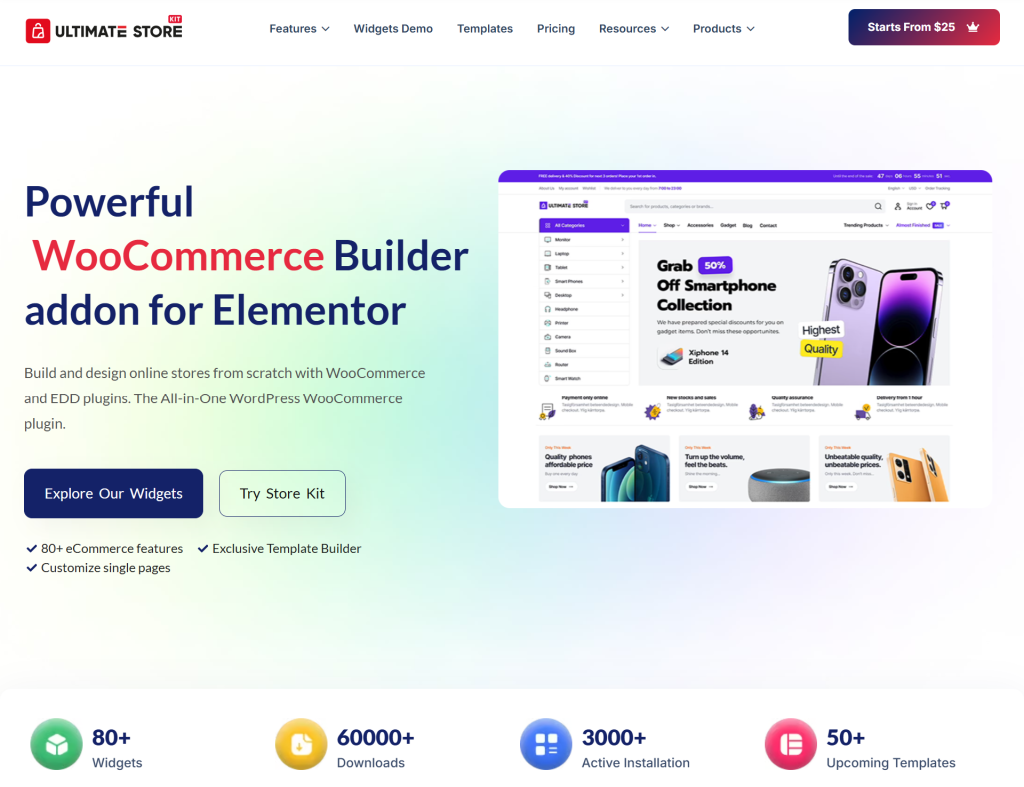
Ultimate Store Kit is one of the most complete Elementor-based WooCommerce builder addons available.
Built by BdThemes, it is designed specifically for WooCommerce stores, not as a general-purpose Elementor extension, but as a purpose-built toolkit for building and customizing every part of an online store.
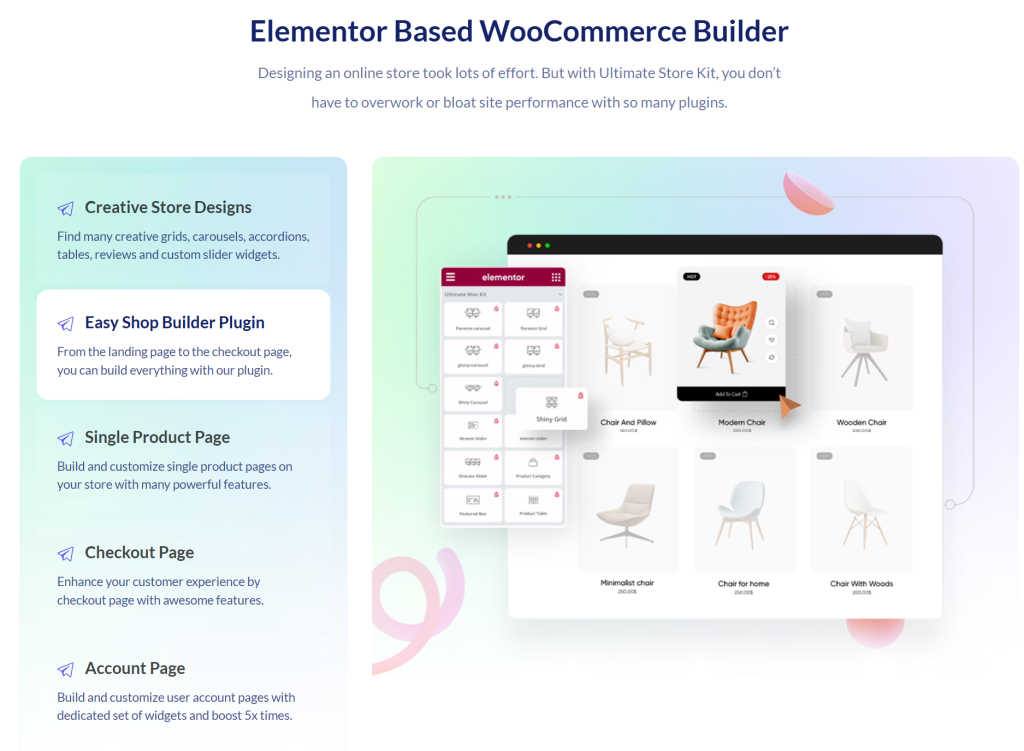
With 80+ widgets covering everything from product displays to checkout customization. It lets you build your shop page, single product page, cart, checkout, order received, and account pages entirely with Elementor’s drag-and-drop interface.
You can see all available widgets in action via the widget demos and explore pre-built store templates in the template library.
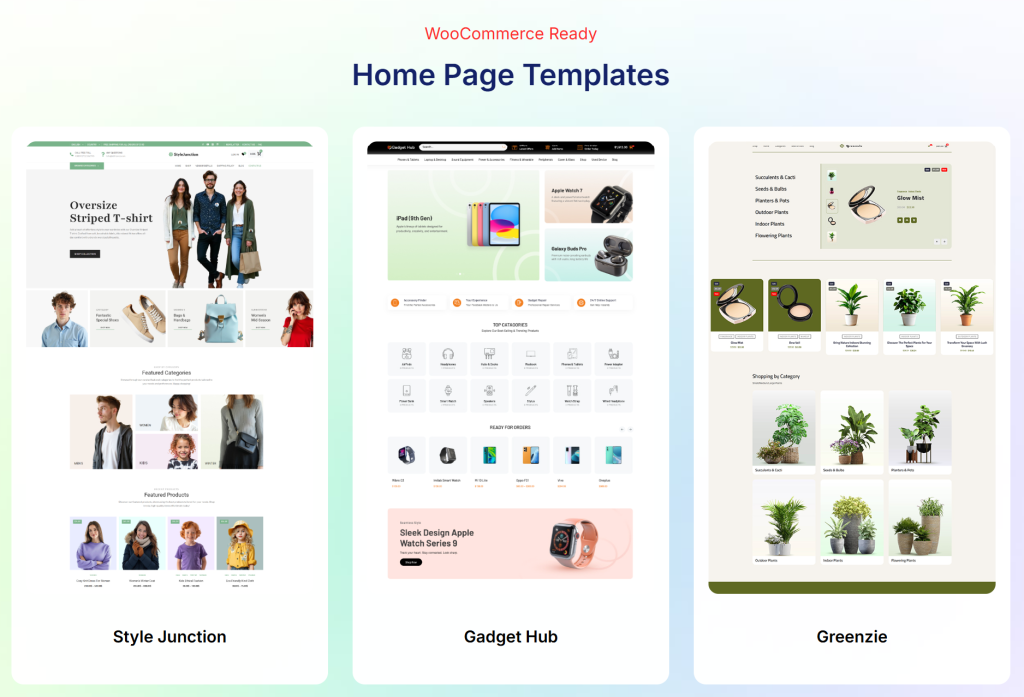
What makes it worth calling out specifically is the combination of scope and price. Most comparable tools either cover fewer areas or cost significantly more.
The checkout demo gives a clear picture of just how polished the store-building output can be.
Key Features:
- 80+ WooCommerce-specific Elementor widgets (free and pro)
- Full page builders for shop, single product, cart, checkout, account and order received pages
- Product display widgets including grids, carousels, sliders, accordions and tables
- Checkout customization with billing address, shipping methods and order review widgets
- Product filters, AJAX pagination, variation swatches and upsell widgets
- Product comparison and wishlist widgets
- Image hotspot widget for interactive product showcases
- Built-in template builder with save/sync for global templates
- SEO-optimized and lightweight (under 2KB JavaScript)
- Multilingual and RTL support
- Compatible with Easy Digital Downloads in addition to WooCommerce
- 60-day money-back guarantee
Pricing:
- Free on WordPress.org, with a solid selection of free widgets
- Personal (1 site): $25/year or $59 lifetime
- Business (5 sites): $50/year or $107 lifetime
- Agency/Developer (1000 sites): $125/year or $299 lifetime
Full pricing details at storekit.pro/pricing.
What it Adds to your Store
Ultimate Store Kit lets you build a fully branded, visually distinct WooCommerce store without touching a template file. The checkout widgets alone make it worth considering for any store serious about reducing abandonment, while the product display options make the shop page something customers actually enjoy browsing.
2. Element Pack Pro
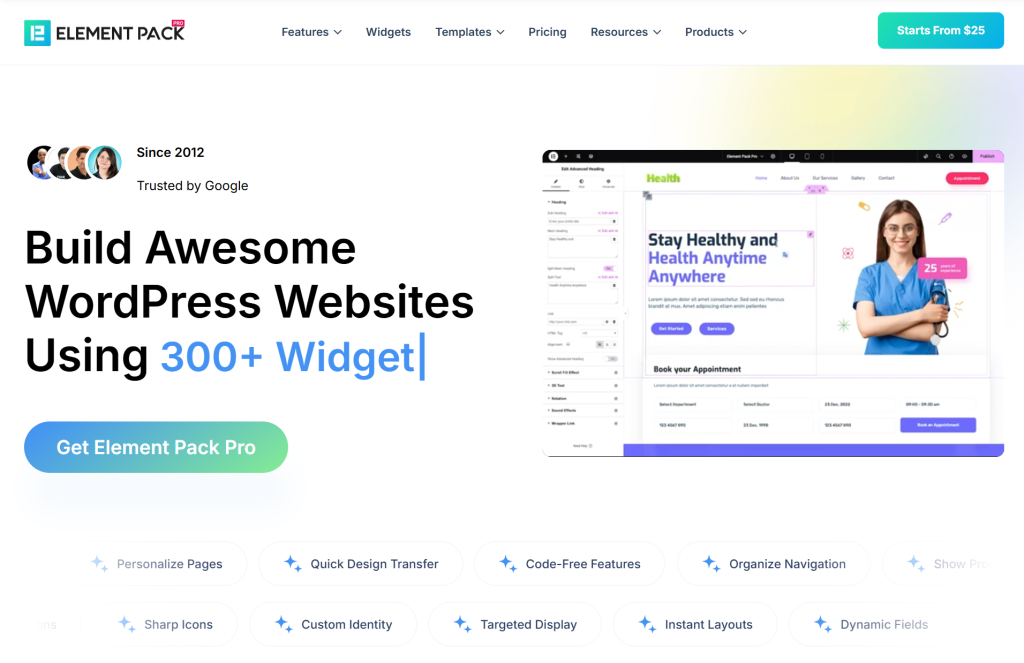
Element Pack Pro is one of the most feature-rich Elementor add-on suites available. With over 365 widgets and 2,700+ ready-made templates spanning virtually every type of web content.
While it is not a WooCommerce-exclusive plugin, its WooCommerce coverage is substantial, including variation swatches, WooCommerce product displays and dynamic content support. It also has deep integration with the Elementor theme builder.
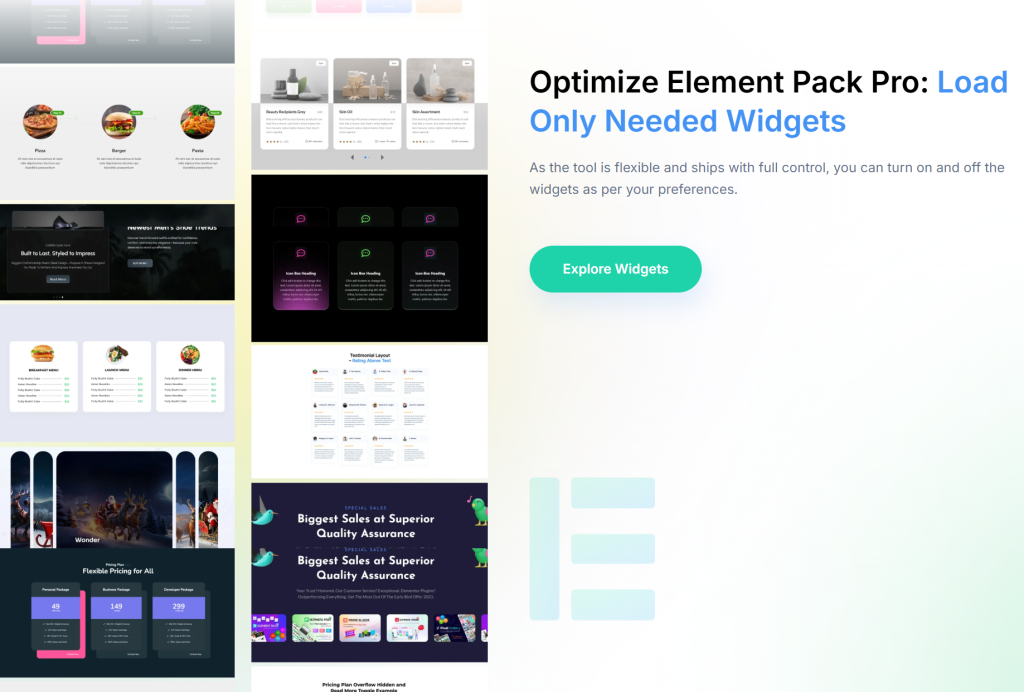
What distinguishes Element Pack from pure WooCommerce builders is its breadth.
If your store is embedded in a larger website, whether a business site, portfolio, or content-heavy brand, Element Pack gives you the tools to design both the store and everything around it with a single plugin.
It has powered over 100,000 websites and continues to receive regular updates, including the significant version 9 release that added custom fonts, shape builders and role-based access controls.
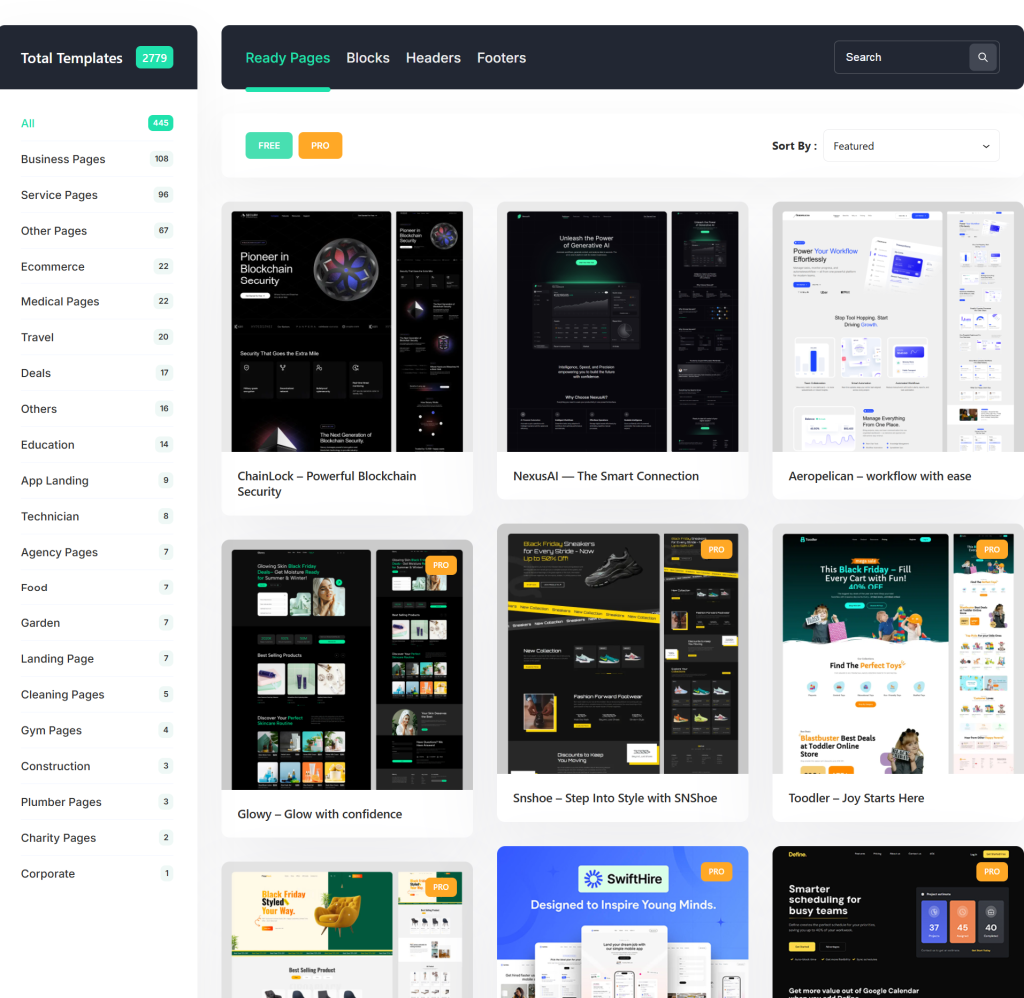
For stores that want WooCommerce customization alongside broader site design capabilities, Element Pack is a compelling all-in-one. Explore the full widget library and check available demos and templates.
Key Features:
- 365+ Elementor widgets including WooCommerce product displays
- Variation swatches for visual product options
- Dynamic content support with custom field integration (ACF)
- Theme builder for headers, footers and full site layouts
- Mega menu builder
- Live copy-paste for cross-domain design transfer
- WooCommerce product grids, carousels and listings
- White label branding (higher plans)
- Asset manager for performance optimization
- Multilingual and RTL support
- 14-day money-back guarantee
Pricing:
- Free (Element Pack Lite) available on WordPress.org
- Personal (1 site): $49/year or $99 lifetime
- Business (5 sites): $99/year or $249 lifetime
- Agency/Developer (1000 sites): $199/year or $699 lifetime
Full pricing at elementpack.pro/pricing.
What it Adds to your Store
Element Pack Pro extends Elementor’s capabilities for your WooCommerce store while also handling every non-store page on your site. It is the better fit for stores that are part of a broader brand website rather than standalone shops.
3. Customization for WooCommerce
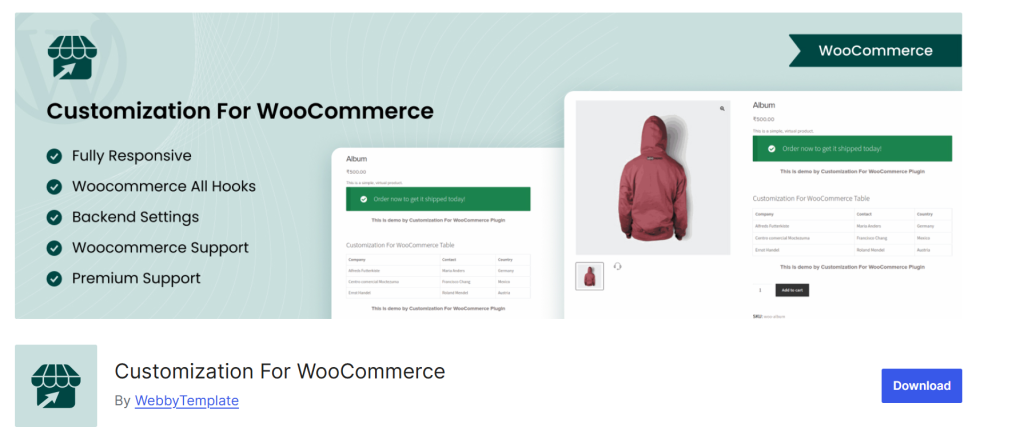
The WooCommerce Customizer offers basic control over store-wide settings. It includes button colors, typography, catalog display settings, product image behavior and checkout fields without installing any additional plugin.
This is not a visual page builder. It is a settings-driven approach that modifies how WooCommerce renders its default templates. For stores on a budget or just getting started, it can handle simple styling needs.
However, it has firm limits. You cannot redesign page layouts, add custom sections, or build anything beyond what WooCommerce’s own template system exposes.
The moment you want to move elements around on a product page or redesign your checkout, you hit a wall.
Key Features:
- Control over shop layout (number of columns, products per page)
- Product image behavior (zoom, lightbox, thumbnail settings)
- Button and price styling via the WordPress customizer
- Checkout page field display toggles
- No additional plugin required
Pricing:
- Available for Free on WordPress.org
What it Adds to your Store:
Basic visual consistency without code. Useful as a starting point but not a long-term customization solution for stores with real design ambitions.
4. WooCommerce Product Add-Ons
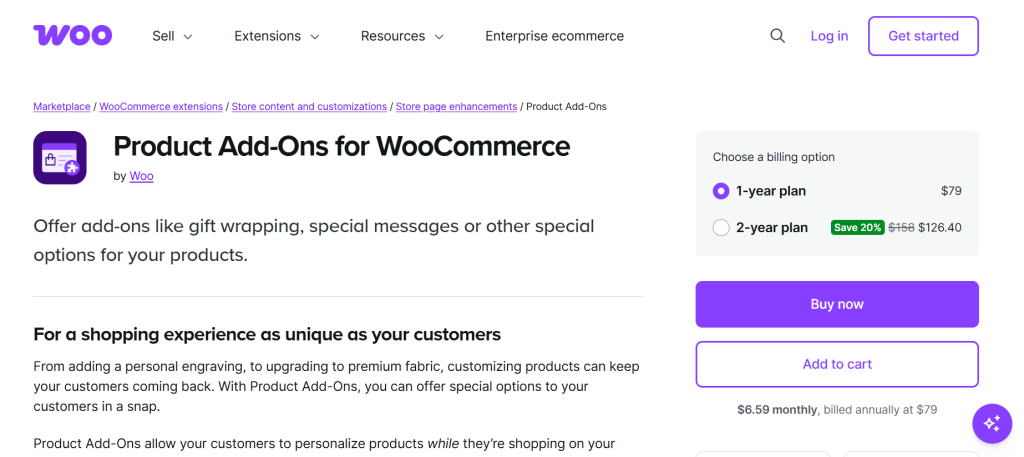
The official WooCommerce Product Add-Ons extension lets customers personalize products directly on the product page before adding to the cart.
Text boxes, dropdowns, checkboxes, radio buttons, file uploads and image-based selections can all be attached to products globally or per-product. It also comes with optional pricing adjustments for each.
This plugin shines for stores selling customizable goods: custom printing, personalized gifts, made-to-order products, or anything that requires input from the customer before fulfillment.
It integrates cleanly with WooCommerce Subscriptions and WooCommerce Bookings if those extensions are also in use.
Key Features:
- Text boxes, dropdowns, checkboxes, radio buttons, file uploads and image selections
- Global or per-product add-ons
- Optional pricing per add-on (flat fee or per-unit)
- Image-based selection for visual product options
- Compatible with WooCommerce Subscriptions and Bookings
Pricing:
- $79/year (single site), available at woocommerce.com
- No free version
What it Adds to your Store
The ability to collect custom information and upsell additional options at the product page level. Essential for personalized or configurable products.
5. PH Product Add-ons for WooCommerce
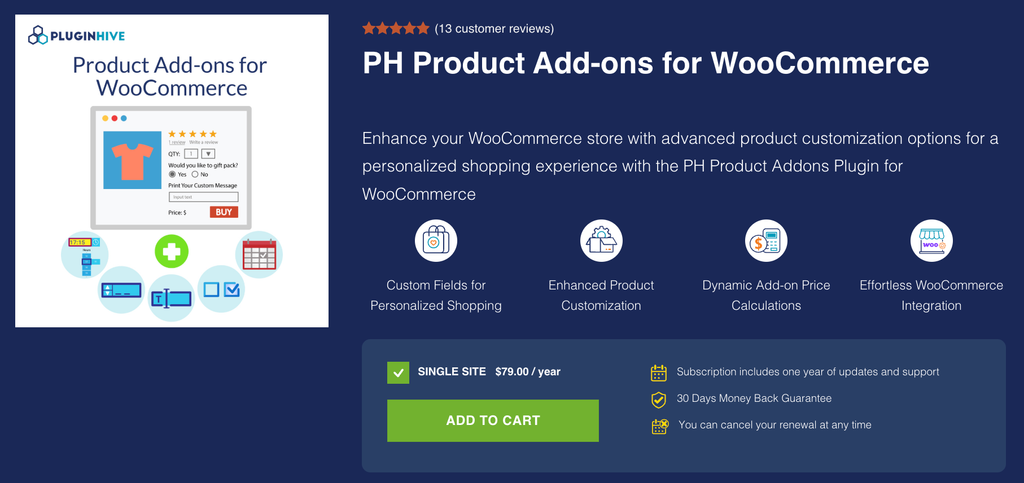
The PH Product Add-ons for WooCommerce plugin lets customers personalize products by adding extra options and custom information directly from the product page.
It supports a wide range of fields, including text boxes, dropdowns, checkboxes, radio buttons, file uploads, date and time pickers, color options, and multiple-selection fields. These options can be assigned to individual products or reused across multiple products.
One of its useful strengths is the flexibility it offers without making the setup unnecessarily complicated. Store owners can create add-on groups, set fields as required or optional, and configure additional pricing based on factors such as quantity, character count, percentage of the product price, or a flat fee.
This makes the plugin a practical option for stores selling personalized gifts, custom apparel, engraved products, configurable products, or products that require customers to provide additional information before purchase.
It also works with Bookings and Appointments for WooCommerce, making it useful for businesses that need to collect additional details or offer extras alongside bookable products.
Key Features:
- Multiple add-on field types including text, drop-downs, checkboxes, file uploads, colors, dates, and time pickers
- Create reusable add-on groups and assign them to multiple products
- Flexible pricing based on quantity, characters, percentage, or fixed fees
- Conditional logic to display additional options based on customer selections
- Mandatory and optional fields with built-in validation
- Add-on price summary displayed on the product page, cart, and checkout
- Compatible with WooCommerce Bookings and Appointments
- Supports WooCommerce Cart and Checkout Blocks and HPOS
Pricing:
- $79/year for a single site
- Includes one year of updates and support
- 30-day money-back guarantee
What it Adds to Your Store
The plugin gives WooCommerce stores an easy way to offer product customization and collect additional customer information without creating separate products for every variation or personalization option. It is particularly useful when you want customers to configure a product directly on the product page while keeping the buying process straightforward.
6. Flexible Checkout Fields for WooCommerce
Flexible Checkout Fields by WP Desk is one of the most popular dedicated WooCommerce checkout customization tools. It has a strong free version and a PRO upgrade that unlocks conditional logic, additional field types and per-field pricing.
The free version handles the basics well, covering reordering billing and shipping fields, hiding unnecessary fields and changing labels and placeholders.
The PRO version is where it really shines: you can conditionally show or hide fields. It is based on shipping method, cart value, user role, payment gateway, or other field values. Further, you can attach pricing to fields (gift wrapping, rush delivery, opt-in services) that automatically adjust the order total.
It is worth noting that this plugin works specifically with the classic WooCommerce checkout. For the block-based checkout introduced in WooCommerce 8.3, WP Desk offers a separate companion plugin.
Key Features:
- Add, edit, reorder and hide billing, shipping and order fields
- 22 field types including text, select, checkbox, date picker, file upload, color picker and more
- Drag-and-drop field ordering
- Conditional logic (PRO) based on cart, user role, payment/shipping method and other fields
- Per-field pricing (PRO): fixed, percentage of subtotal, or percentage of total
- Custom field sections (PRO)
- WPML and Polylang compatible
- 30-day money-back guarantee
Pricing:
- Free at wordpress.org/plugins/flexible-checkout-fields
- PRO: Annual subscription via wpdesk.net (pricing shown on site; single-site plans available)
What it Adds to your Store
Granular control over what your checkout form collects, displays and charges. Especially valuable for stores with complex ordering requirements or upsell opportunities at checkout.
7. WooCommerce Product Table
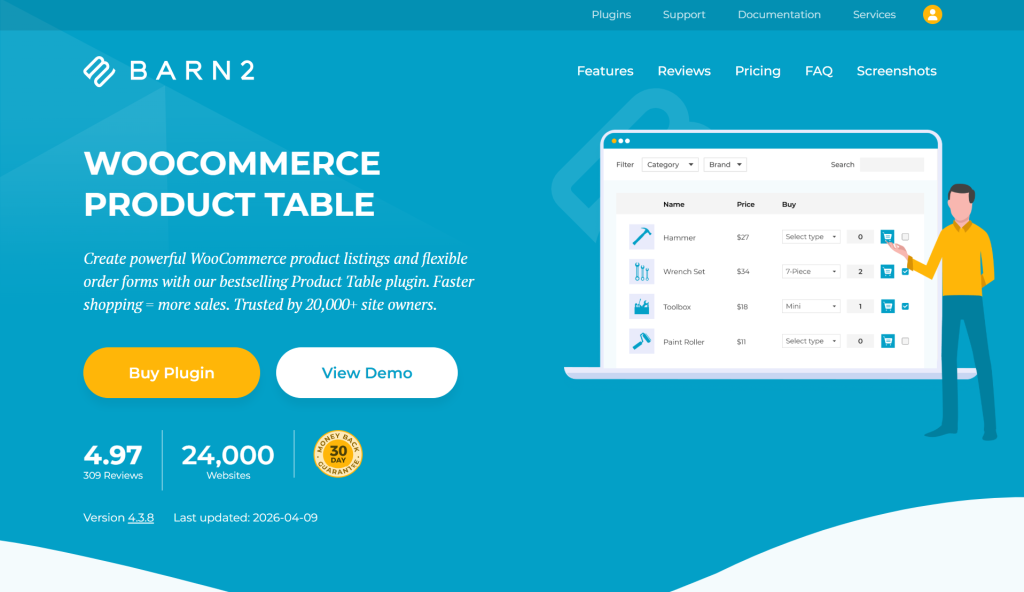
WooCommerce Product Table by Barn2 takes a completely different approach to product display. Instead of grids and carousels. It presents products in a searchable, sortable table format, complete with quantity selectors, variation pickers and add-to-cart buttons right in the table rows.
This is the go-to plugin for wholesale stores, B2B catalogs, restaurant ordering and any product catalog where customers know what they want and need to find it fast.
It supports 50+ columns of product data, including price, SKU, stock, images, custom fields and attributes and handles variable products by displaying either dropdown menus or one row per variation.
Annual licenses start at $99 per site, with a 30-day money-back guarantee. Barn2 is known for thorough compatibility testing across themes, page builders and other WooCommerce plugins.
Key Features:
- Searchable, sortable product table layout
- Add to cart, quantity selector and variation picker in-table
- 50+ configurable columns (images, SKU, price, stock, custom fields, attributes)
- AJAX lazy loading for large catalogs
- Built-in filter widgets plus compatibility with Barn2’s Product Filters plugin
- 7 pre-built table design templates
- Responsive with column folding on mobile
- Compatible with Elementor, Divi, Beaver Builder and Gutenberg
Pricing:
- No free version
- Single site: $99/year (plus optional Quick View bundle at $139/year)
- Available at barn2.com
What it Ads to your Store
A radically different and far more efficient way for customers to browse and order products in bulk or from dense catalogs. Not for every store, but the right tool for B2B, wholesale and food ordering scenarios.
8. JetWooBuilder
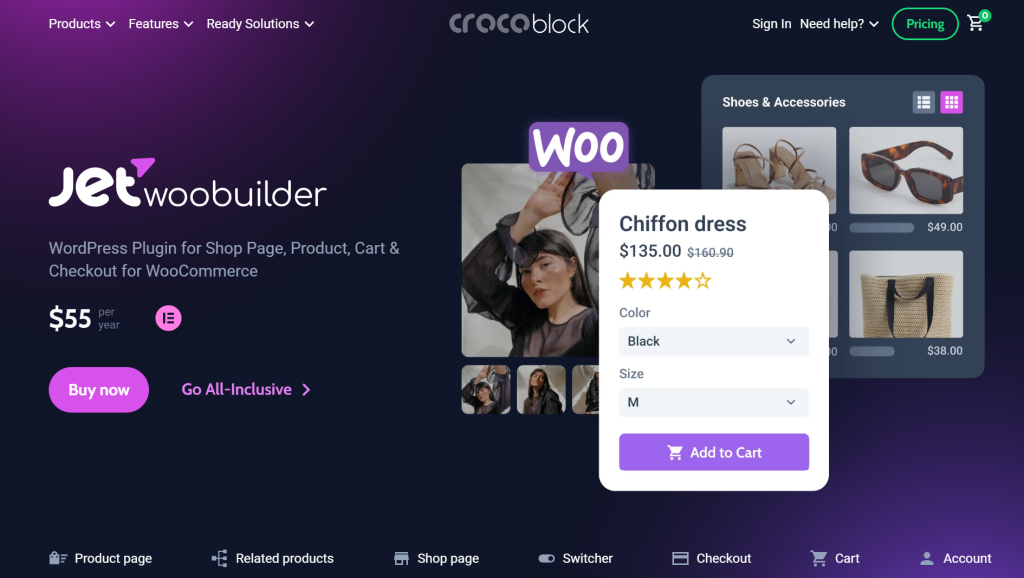
JetWooBuilder by Crocoblock is a dedicated WooCommerce template builder for Elementor, with 60+ dynamic widgets designed specifically for WooCommerce product data.
It lets you build custom templates for single product pages, shop/archive pages, cart, checkout and the account page. You can assign them globally or to specific products and categories.
The plugin’s strength is its deep integration with WooCommerce data. Every widget is dynamic: product galleries, prices, ratings and custom fields all pull live data from WooCommerce without manual setup.
This makes it particularly well-suited for stores with large or variable product catalogs where manual template management would be impractical.
JetWooBuilder requires Elementor and works exclusively with it. It is available standalone at $43/year, but most serious users opt for Crocoblock’s All-Inclusive plan at $199/year, which includes 20 JetPlugins, 150 widgets and full support, making it a strong value if you are building for clients.
Key Features:
- 60+ dynamic WooCommerce Elementor widgets
- Custom templates for shop, single product, cart, checkout, account and thank-you pages
- Template assignment by product, category, or globally
- Dynamic content: prices, galleries, reviews and variations all load automatically
- Grid and list layout switcher widget
- Multi-step and one-page checkout layout options
- Integration with JetSmartFilters, JetEngine and other Crocoblock plugins
Pricing:
- No free version
- Standalone: $43/year (1 site)
- All-Inclusive: $199/year (includes all 20 JetPlugins for 1 site)
- Available at crocoblock.com
What it Adds to your Store
Fully custom WooCommerce templates built visually in Elementor. JetWooBuilder removes the gap between what Elementor can design and what WooCommerce can present.
9. WooLentor (ShopLentor)
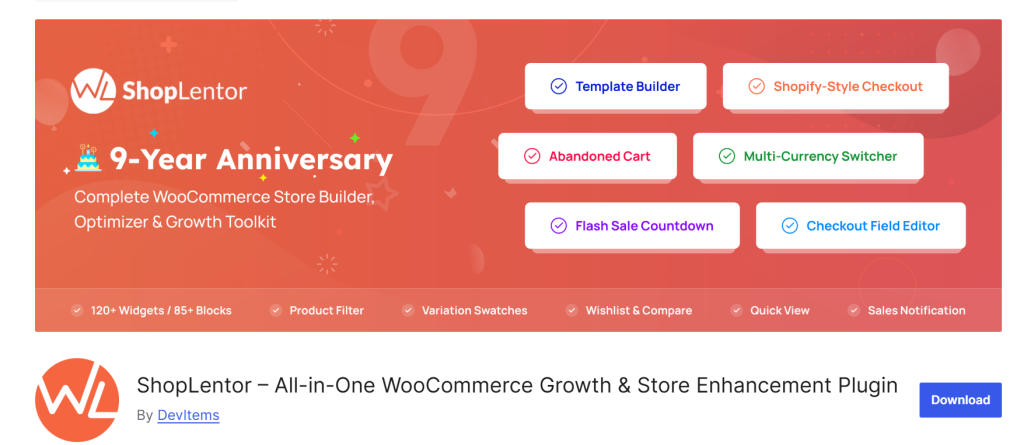
WooLentor (now rebranded as ShopLentor) by HasThemes is one of the most downloaded WooCommerce builder plugins on WordPress.org, with 100,000+ active installations across 120 countries.
It has been in active development for over eight years and offers one of the most comprehensive free tiers in this category.
The plugin covers WooCommerce page building for both Elementor and Gutenberg, with 125+ widgets (Elementor) and 85+ Gutenberg blocks in the premium version.
Beyond page building, it includes 34+ modules, including abandoned cart recovery, Shopify-style checkout, multi-currency support, email customizer, variation swatches, wishlist, sales notifications, flash sale countdown and more.
For stores on Elementor looking for a well-established, feature-rich alternative with a generous free plan, ShopLentor is a serious contender. Stores that want to customize their WooCommerce account page or build the cart page from scratch will find dedicated widgets for both.
Key Features:
- 125+ Elementor widgets and 85+ Gutenberg blocks (pro)
- 110+ premium templates
- 34+ built-in modules, including abandoned cart, multi-currency and email customizer
- Shopify-style checkout layout
- Variation swatches
- Wishlist and product comparison
- Flash sale countdown
- Pre-order and backorder management
- AJAX search
- 18% faster mobile speeds reported by users
Pricing:
- Free at wordpress.org/plugins/woolentor-addons
- Plus (1 site): starting at $49/year
- Lifetime plans: starting at $149
- Full pricing at woolentor.com/pricing
What it Adds to your Store
ShopLentor replaces the functionality of 5-7 separate plugins with one integrated system. The abandoned cart recovery, email customizer and multi-currency modules alone represent significant value over buying individual solutions.
10. Variation Swatches for WooCommerce
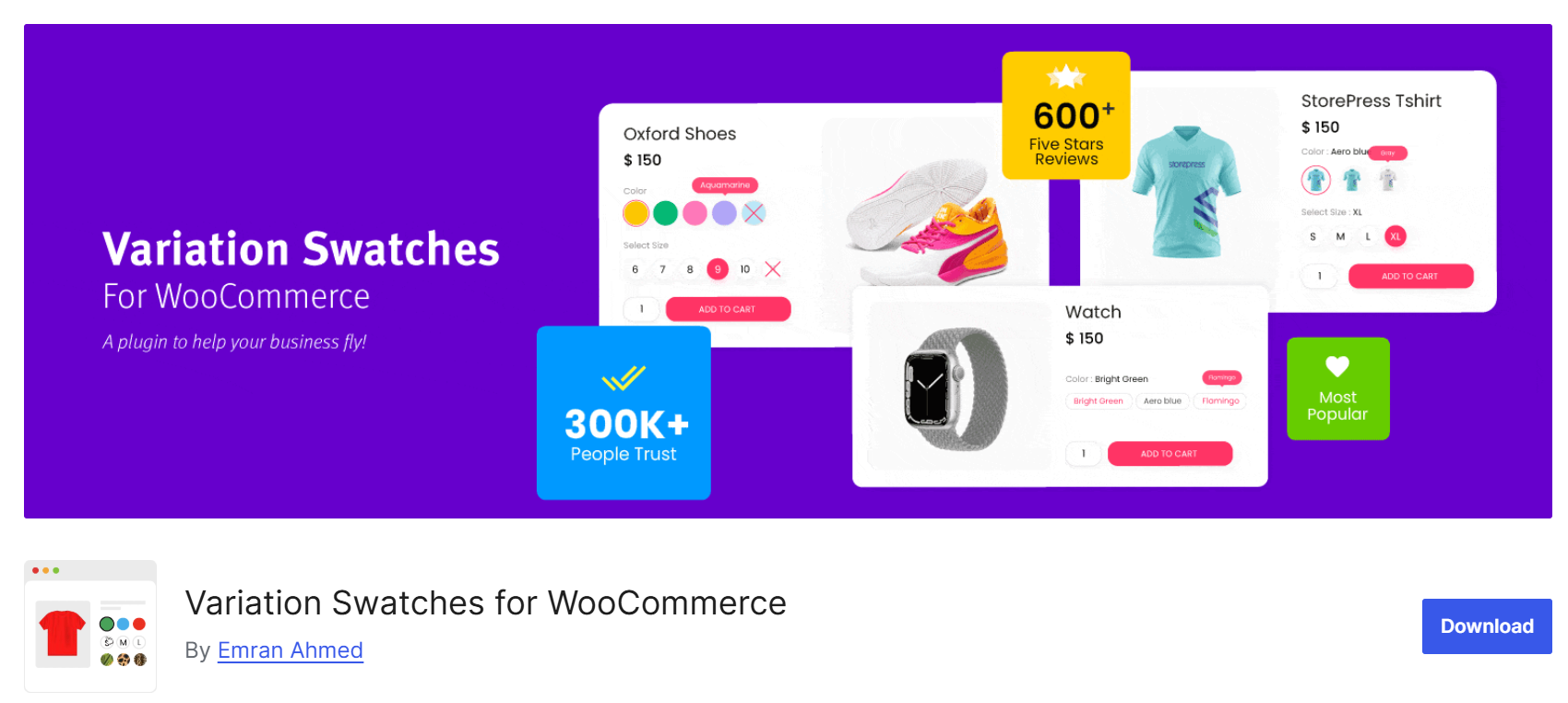
Variation Swatches for WooCommerce by GetWooPlugins does exactly one thing and does it extremely well.
It automatically converts WooCommerce’s default dropdown menus for product variations into visual color swatches, image swatches, label/button swatches and radio buttons.
The conversion happens automatically on installation. Products with color attributes get color circles; image-based attributes get image thumbnails; everything else gets clean buttons.
Customers can browse variations directly on archive and shop pages without opening each product, which meaningfully accelerates the path to purchase.
With 200,000+ active installations, it is one of the most used WooCommerce variation plugins in the ecosystem.
The free version handles the core conversion; the pro upgrade ($49/year) adds dual-color swatches, variation URLs that auto-select attributes, archive page swatch display, quick view integration and more styling controls.
Key Features:
- Auto-converts all variation dropdowns to swatches on install
- Color, image, label/button and radio swatch types
- Round or square swatch shapes (configurable)
- Global attribute swatch assignment (no per-product setup required)
- Archive/shop page swatch display (pro)
- Out-of-stock blur or hide options (up to 30 variations)
- Variation URLs for direct linking to specific product configurations (pro)
- Quick view integration
Pricing:
- Free at wordpress.org/plugins/woo-variation-swatches
- Pro: $49/year (starter, single site)
- Available at getwooplugins.com
What it Adds to your Store
A dramatically better product selection experience for variable products. Swatches reduce decision friction and reducing friction increases conversions. It is straightforward cause and effect.
Search & Replace for Elementor – Bulk find-and-replace text, links, and images directly inside the Elementor editor – handy for updating prices, fixing broken links, or rebranding across a large WooCommerce catalog without touching the database.
Free vs Paid WooCommerce Customizer Plugins
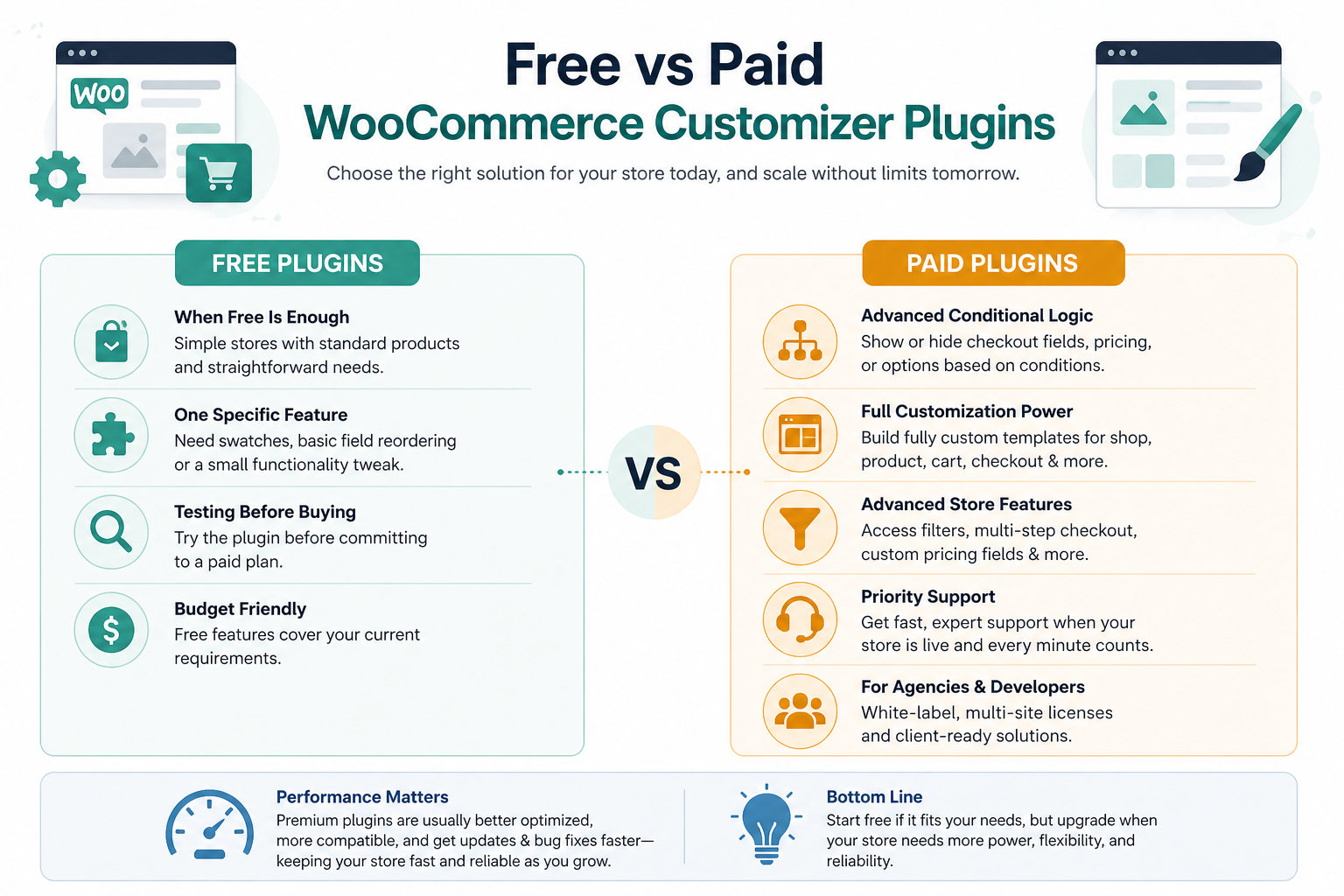
Not every store needs a premium plugin from day one and not every free plugin will take you where you need to go. Here is an honest breakdown of where the line sits.
The honest answer is that free plugins have come a long way. Several options on this list offer genuinely useful free versions, including Ultimate Store Kit, ShopLentor, ShopEngine, Variation Swatches and Flexible Checkout Fields, all of which have free tiers that can take a store meaningfully beyond WooCommerce defaults.
When free is enough:
- You are running a simple store with standard products and straightforward checkout needs
- You need one specific feature (swatches, basic field reordering) rather than a full builder
- You are testing the plugin before committing to a paid plan
- Budget is a real constraint and the free features cover your current scope
When to upgrade:
- You need conditional logic (showing or hiding checkout fields based on conditions)
- You want to build fully custom page templates for your WooCommerce pages
- Your store relies on features like product filters, multi-step checkout, or custom pricing fields
- You need priority support for a live store where downtime matters
- You are building for clients and need white-label options or multi-site licenses
The performance trade-off is also worth considering. Premium plugins tend to have better optimization, more thorough compatibility testing, and faster bug resolution, all of which matter more as store traffic grows.
How to Choose the Best WooCommerce Customizer Plugin
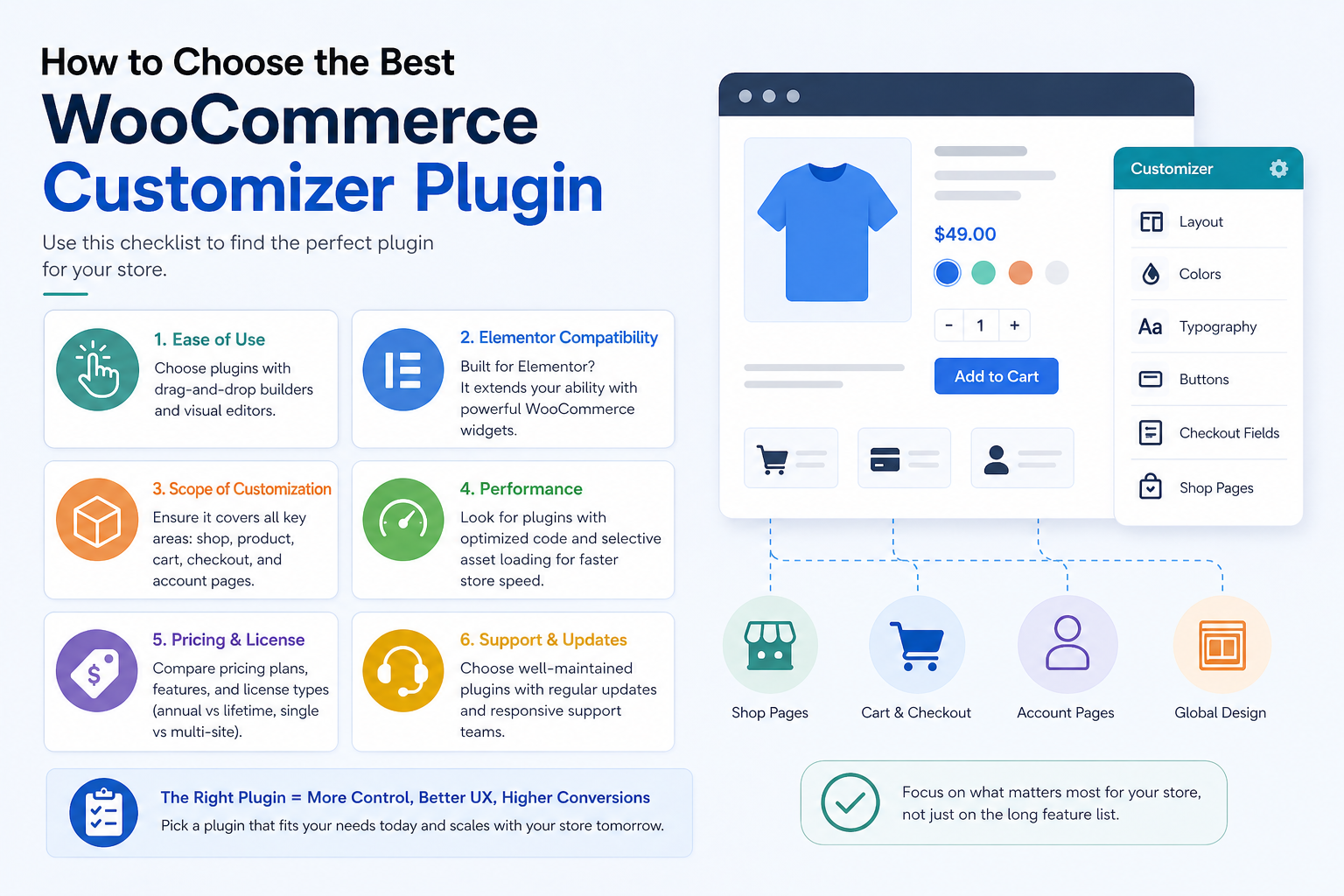
With dozens of options available, narrowing things down requires a clear checklist. Here is what actually matters:
- Ease of use. If you or your team cannot use it without a developer, it is not saving you time or money. Look for drag-and-drop interfaces and visual editors.
- Elementor compatibility. Elementor powers a massive share of WooCommerce stores. Many of the best customizer plugins are built specifically as Elementor addons, extending the builder with WooCommerce-specific widgets. Scope of customization. Does the plugin handle only product pages, or does it cover the full store? Cart, checkout, account, and shop pages each have different needs. A plugin that covers all of them reduces bloat.
- Performance. Every plugin adds weight. The best options use selective asset loading, meaning they load scripts and styles only when the relevant widget is on the page. Always check independent reviews for real-world speed feedback.
- Pricing and license structure. Annual vs. lifetime, single site vs. multi-site. These details matter especially to agencies and developers. Check what features are locked behind the pro version before committing.
- Support and update frequency. A well-maintained plugin is one that remains compatible with WooCommerce core updates, which occur frequently. Regular changelogs and responsive support teams are non-negotiable for a live store.
Which WooCommerce Customizer Plugin Is Best for You?
The answer depends entirely on where your store is right now and where you need it to go. Here is a practical breakdown by store type and use case.
For beginners building their first store: start with the Ultimate Store Kit (free version) or ShopLentor. Both offer generous free tiers, visual interfaces with no coding required, and clear upgrade paths.
Ultimate Store Kit is particularly well-suited for those who want focused WooCommerce coverage without getting overwhelmed by a tool that does too much.
If you are starting from scratch, the guide to building a WooCommerce store walks through the process step by step.
For Elementor users: Ultimate Store Kit and JetWooBuilder are the two strongest purpose-built Elementor WooCommerce builders.
Ultimate Store Kit suits stores that want strong WooCommerce coverage at a lower price point; JetWooBuilder is better if you are already in the Crocoblock ecosystem or need its advanced dynamic content features.
Element Pack Pro is worth considering if your store is part of a larger site that needs broader design coverage.
For advanced stores with complex product configurations: WooCommerce Product Add-Ons handles product-level customization.
Combine it with Flexible Checkout Fields for checkout-level control, and you have granular input collection at every stage of the purchase journey. Both have strong WooCommerce marketplace backing.
For conversion-focused stores: ShopEngine and ShopLentor both bundle conversion modules (flash sales, wishlist, comparison, sales notifications, partial payment) alongside page-building tools.
Ultimate Store Kit’s checkout customization widgets, including the checkout demo and cart page, are specifically designed to reduce abandonment at the most critical stage.
For B2B and wholesale: WooCommerce Product Table handles bulk ordering, catalog browsing, and fast reordering better than any grid-based layout can.
For variable products on any store: Variation Swatches for WooCommerce is a fast, low-friction upgrade that any store selling products in multiple colors, sizes, or styles should install. It makes a measurable difference to the product page experience without adding significant weight.
Conclusion
WooCommerce gives you a store. A WooCommerce customizer plugin gives you a brand.
The gap between a default WooCommerce installation and a polished, conversion-optimized store is real, and it shows up in bounce rates, cart abandonment, and repeat purchase behavior. The plugins on this list exist to close that gap, each from a different angle.
For most stores building on Elementor and looking for WooCommerce-first coverage with strong pricing and a solid free tier, Ultimate Store Kit is the natural starting point. Its 80+ widgets, full-page builders for every WooCommerce page, and 60-day money-back guarantee make it a low-risk, high-upside choice. Pair it with Element Pack Pro if your store lives inside a broader website that needs general design power beyond the shop pages.
If you need a single-purpose upgrade, whether swatches, product tables, or checkout field control, the focused tools on this list handle those specific jobs without adding unnecessary overhead.
The right plugin is ultimately the one your store will actually use. Start with a clear picture of what is limiting your store today, then match that to the tool built to solve it.
Frequently Asked Questions
What is the best WooCommerce customizer plugin?
There is no universal answer, but Ultimate Store Kit stands out for WooCommerce-specific Elementor stores thanks to its full coverage of every store page, generous free tier, and strong performance profile. For a broader website design that includes WooCommerce, Element Pack Pro is a strong complement.
Can I customize WooCommerce without coding?
Yes, and that is exactly what the plugins on this list are designed for. Ultimate Store Kit, ShopEngine, ShopLentor, and JetWooBuilder all use drag-and-drop visual editors that require no code whatsoever.
Are free WooCommerce customizer plugins enough?
For basic needs, yes. Ultimate Store Kit, ShopLentor, ShopEngine, Variation Swatches, and Flexible Checkout Fields all have free versions that go well beyond WooCommerce defaults. Where free versions fall short is typically in conditional logic, advanced template building, checkout field pricing, and priority support.
Which plugin is best for checkout customization?
Flexible Checkout Fields (by WP Desk) is the most focused and flexible dedicated checkout field editor. For a complete visual checkout page rebuild with Elementor, Ultimate Store Kit’s checkout widgets give you full design control over the entire checkout layout.
Do these plugins affect website speed?
They can, but the best ones are built to minimize the impact. Ultimate Store Kit uses under 2KB of JavaScript and loads assets selectively. ShopLentor reports an average 18% improvement in mobile speeds from using selective asset loading.